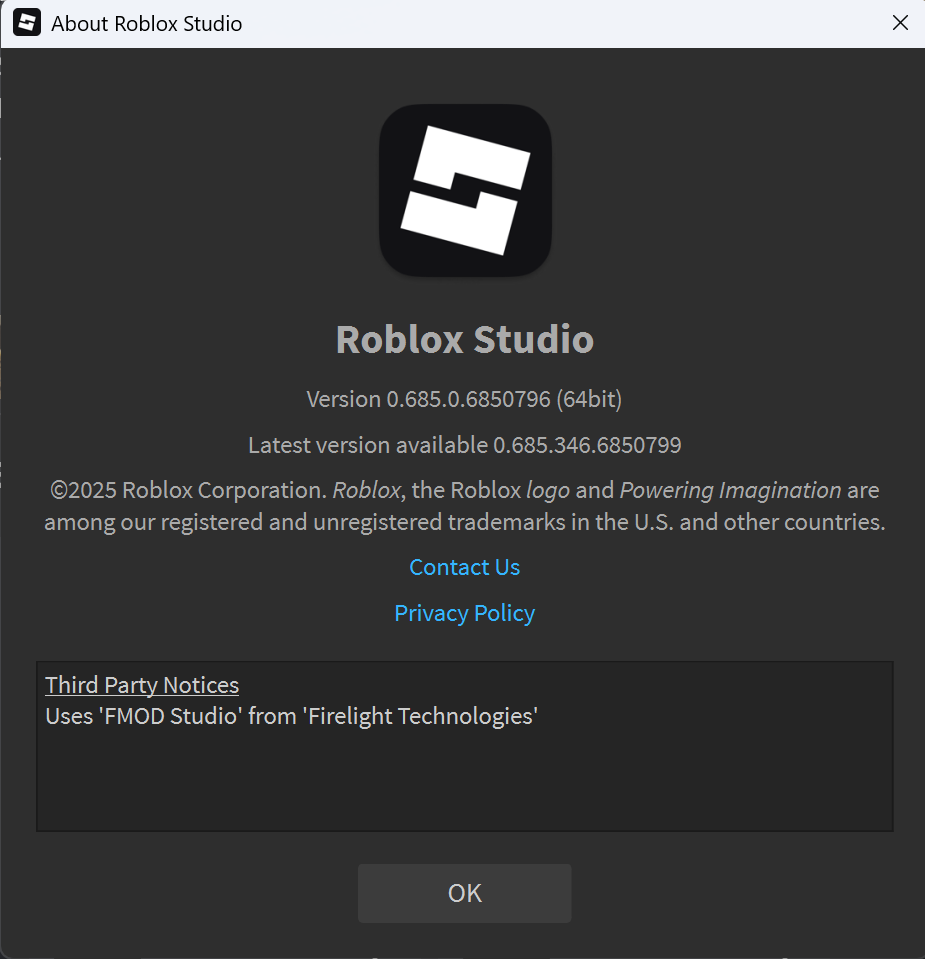
So I just wanted to go to Roblox Studio to develop my game as usual. However, Roblox Studio updated as usual. But for some reason, after the update, I found it very difficult to log into Roblox Studio. Every time I tried to open Roblox Studio, it wouldn’t open or I would get an error message.
I tried re-downloading the studio and it worked, bringing me back to version 0.685.0.6850796, and I could open or close Roblox Studio normally without any issues. However, after updating to version 0.685.346.6850799, an error always appears when trying to open Roblox Studio. Even if I manage to open the Roblox Studio window, it automatically closes. Can this bug be fixed as soon as possible?
I tried not to activate any beta features, but the result was still the same.
For the specifications of my laptop:
Device: ASUS Vivobook S15 (S5507QA)
OS: Windows 11 Home
Processor: Snapdragon(R) X Elite - X1E78100 - Qualcomm(R) Oryon™ CPU (3.42 GHz)
Thanks for bringing this to our attention.
A ticket was filed, and we’ll start investigating.
Is this issue still happening at your end?
If so, please provide a crash dump or a log so we can be able to investigate it right away!
If you need assistance or info on which info/files would be relevant to investigate this topic or how to get them, please refer to the following documentation:
Hi @AnS_Dev , we believe this should be fixed for with today’s release. Can you update and try again? Please let us know if you’re still seeing the issue or if that works for you. Thanks.