I’m tying to make a ui with a header on top, which will be a darker color. The main frame’s corners are rounded, but I don’t want the header’s corners to be rounded. I’ve seen games where the top two corners in a header are rounded, but not the bottom two. How can I achieve this? I’ve already tried turning on ClipsDescendants on the main frame, but you can still see the sharp corners of the header.
- two frames: header and background
- header has no corners
- background does
- header can’t be transparent or it does not block background

insert to StarterGui: sample_screen_gui.rbxm (4.1 KB)
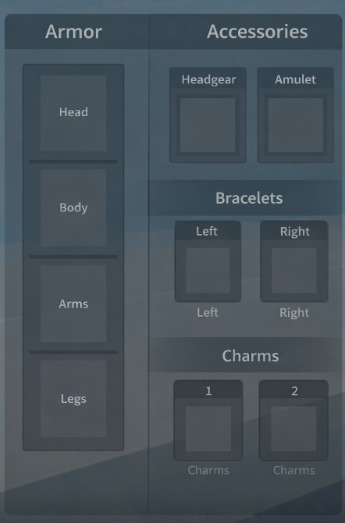
What if I want it like this? The top two corners of the header frame are still rounded, while the bottom two are sharp.
Not sure about transparency, because anyway opaque part is required to block background with corners

sample_screen_gui_01.rbxm (3.3 KB)

This topic was automatically closed 14 days after the last reply. New replies are no longer allowed.