- What are you attempting to achieve? To not be able to see the other islands if your on one
- What is the issue? I can still see the other islands if im on one so i need to find out how to change that
- What solutions have you tried so far? (none)
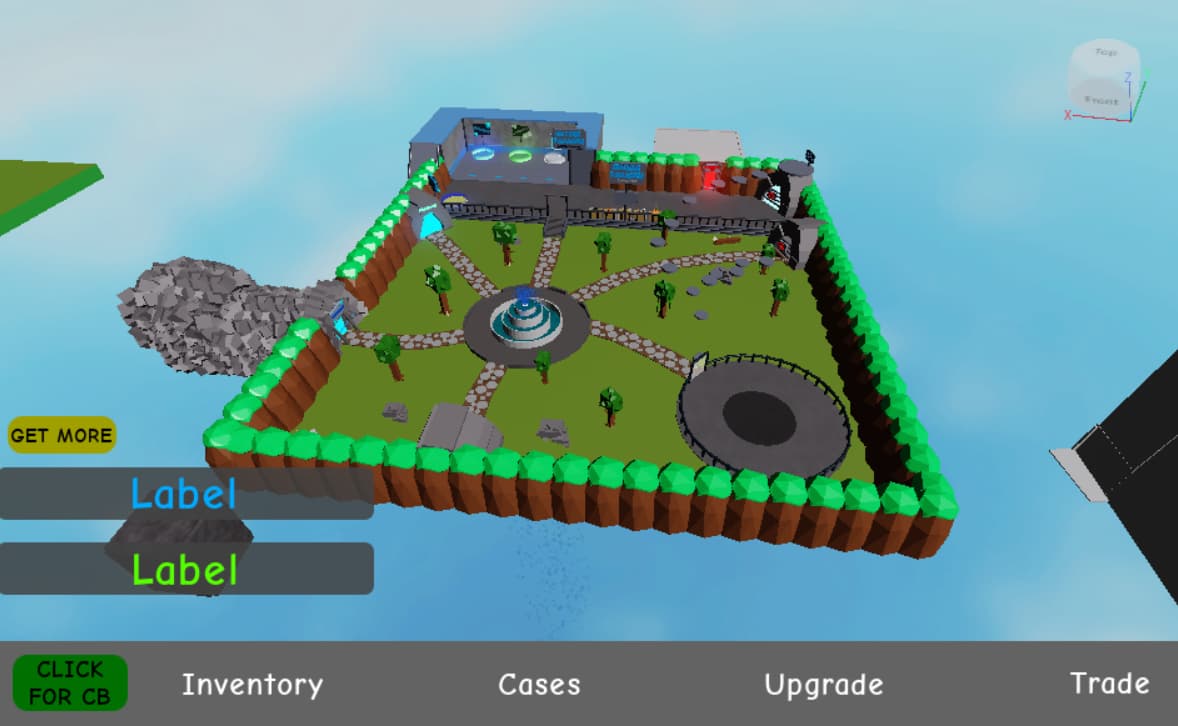
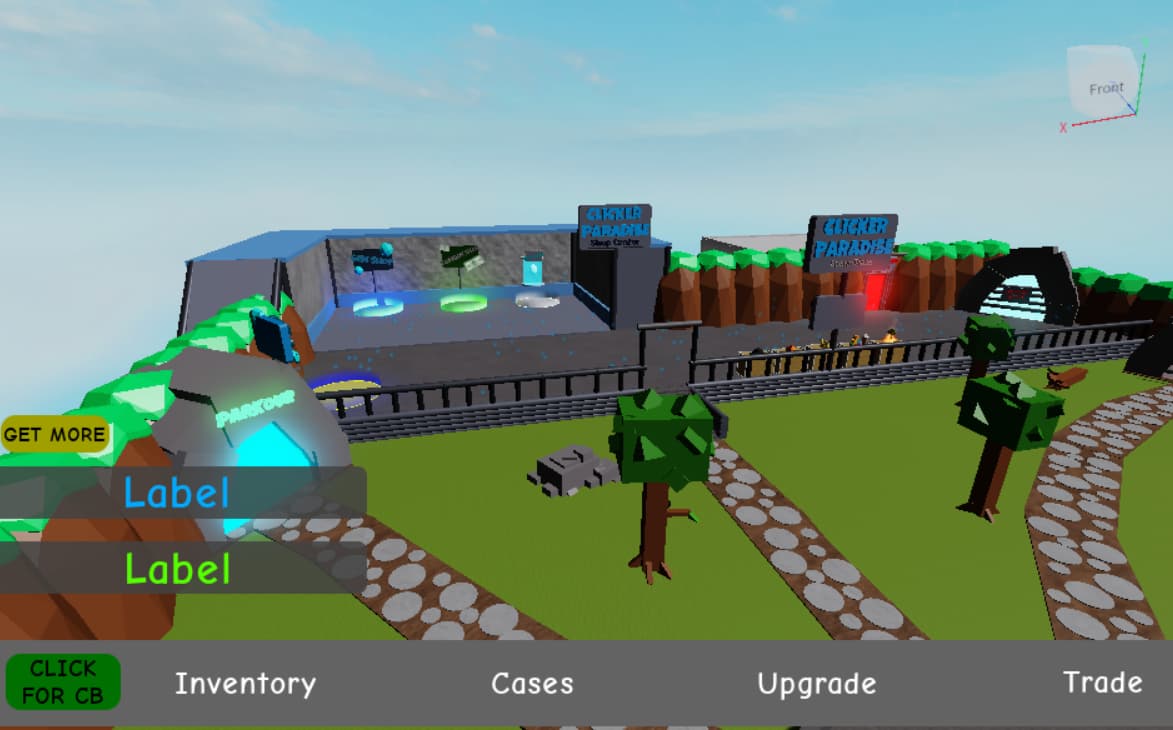
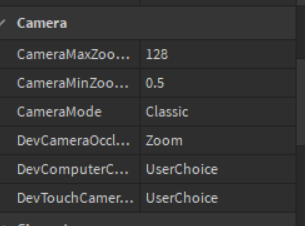
Go to StarterPlayer and Camera section, to set your Max Zoom
I mean like the island is transparent until you get on to it and then you can see it but then the previous island goes transparent
then what you can do is get a local script use run service to consistently check that on which island is the player on. And then loop through the island folder and filter the island the players on then loop through the things in the other island something like this
local CurrentIsland = -- Do some touch functions and stuff
local RS = game:GetService("RunService")
local Folder = -- path 2 folder
RS.RenderStepped:Connect(function()
  for i,v in pairs(Folder:GetChildren()) do
    if v:IsA("Model") and v ~= CurrentIsland then
      for ii,vv in pairs(v:GetDesendents()) do
        if vv:IsA("BasePart") then
          vv.Transparency = 1
        end
      end
      elseif v == CurrentIsland then
        for ii,vv in pairs(v:GetDesendents()) do
          if vv:IsA("BasePart") then
            vv.Transparency = 0
          end
        end
    end
  end
end)
P.S sorry at first i made the wrong code
please fix my code spelling mistakes as i wrote it in website @tut999
ill have to test this out tomorrow thanks
Using RunService or this is extremely unnecessary; just do .Changed or :GetPropertyChangedSignal()
lets suppose if and only IF currentmaps is not a value then what are you gonna do? lets say if its a RE then? so RunService is not
By RE you mean remote event? If so..
RE.OnServerEvent:Connect()

RE.OnClientEvent:Connect()
And what do you mean by
Doing an if check to see if it’s nill is less demanding that a RunService loop here.
if currentMaps == nil then
    maps = mapsFolder:GetChildren()
end
by this i mean that .changed works on instances and not variables
Correct