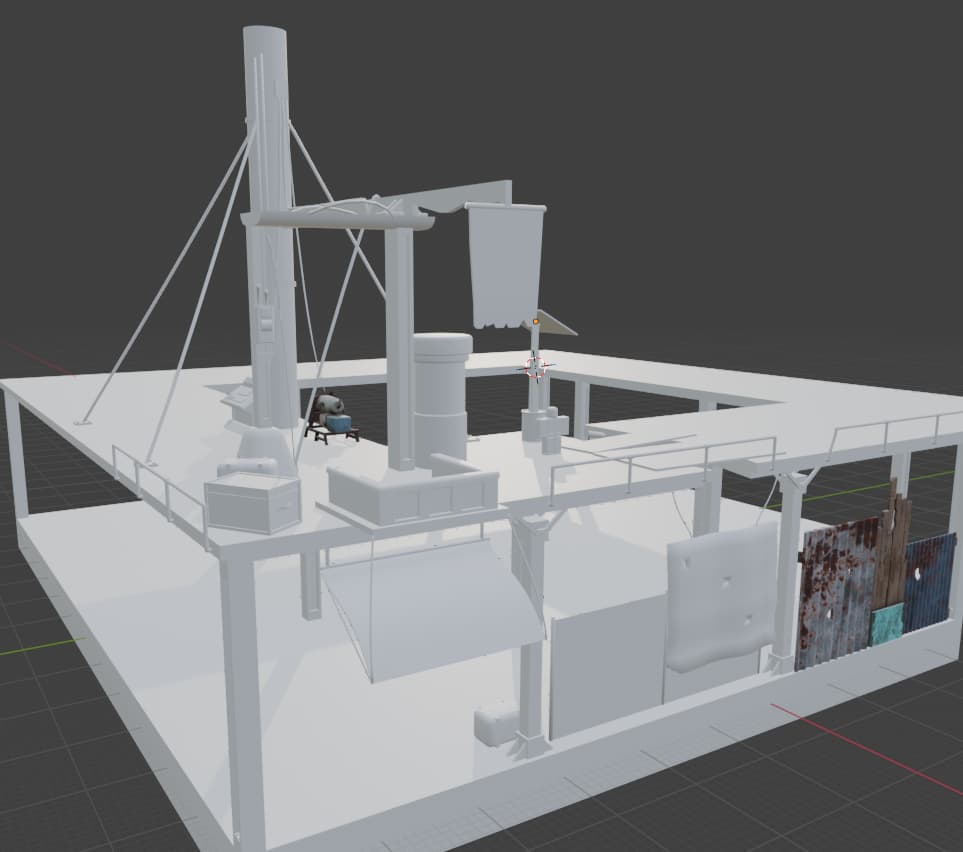
Hello, so I am working on this in Building in Blender for Roblox Studio and its all scaled 1:1.
However I am wondering how to best get the Models into Studio?
I am aware of Mesh Parts and Draw Call performance, therefore I have grouped all parts into Collections which use the same UV/Texture. Basically its just a bunch of assets packed into groups which I intend to import as Mesh Parts.
But here I am wondering if theres an easier way to do this than just exporting groups to Studio and then manually positioning them to assemble the scene from Blender again?
Also is there a way to use UV/Texture maps to then for example tell Roblox only to apply that Mesh Parts Roblox Texture for example Neon, only to specific parts. Or do u have to make the Parts of a Model that u want Neon seperate Mesh Parts and then apply the material in Studio?
Also when it comes to repetitive assets, such as chests or boxes, is it better to import those as 1 unique Mesh Part then place it around in Studio, or just take all the boxes from Blender which are the same and export those into Studio as 1 “pre arranged” box pile?
Sorry for the amount of questions, I am just new when it comes to working with Meshes in Studio and it seems weirdly restrictive / archaic compared to other engines.