I wanna know how I can make a part similar to this one, I have tried making one but can’t see to get it working
I wanna know how I can make a part similar to this one, I have tried making one but can’t see to get it working
1 Like
for the visual look its a half transparent part with a texture applied
set cancollide to off and then in the code it sets the player’s humanoidrootpart’s AssemblyLinearVelocity to something like (0,10,0) when touched
1 Like
Oh thank you I thought I had to set the assembly linear velocity of the part itself.
Are you able to provide an example?
local part = ... -- reference the part

local JUMP_VELOCITY = Vector3.new(0,10,0) -- how much upward velocity when touched

-- touched might be unreliable and weird, try doing spatial queries in a loop if not good
part.Touched:Connect(function(hit))
  local character = hit.Parent
  local humanoid = character:FindFirstChild("Humanoid") :: Humanoid

  if not humanoid then return end

  local rootPart = character:FindFirstChild("HumanoidRootPart") :: BasePart

  rootPart.AssemblyLinearVelocity = JUMP_VELOCITY

end)
And for best practices in an obby put this into a function or loop and make some custom logic so it can apply to all the same type of parts
1 Like
I have found a workaround using BodyVelocity / LinearVelocity, but thank you for the suggestion.
Also for this to work, the Root part needs to be anchored.
Why don’t you use :ApplyImpulse() method of a BasePart instead?
1 Like
it works for an unanchored root part
applyimpulse works too but i think it applies force, not velocity, so it will change based on the mass of the character
code:
for i = 1,10 do game.Players.happya_x.Character.HumanoidRootPart.AssemblyLinearVelocity = Vector3.new(0,100,0) task.wait(0.5) end
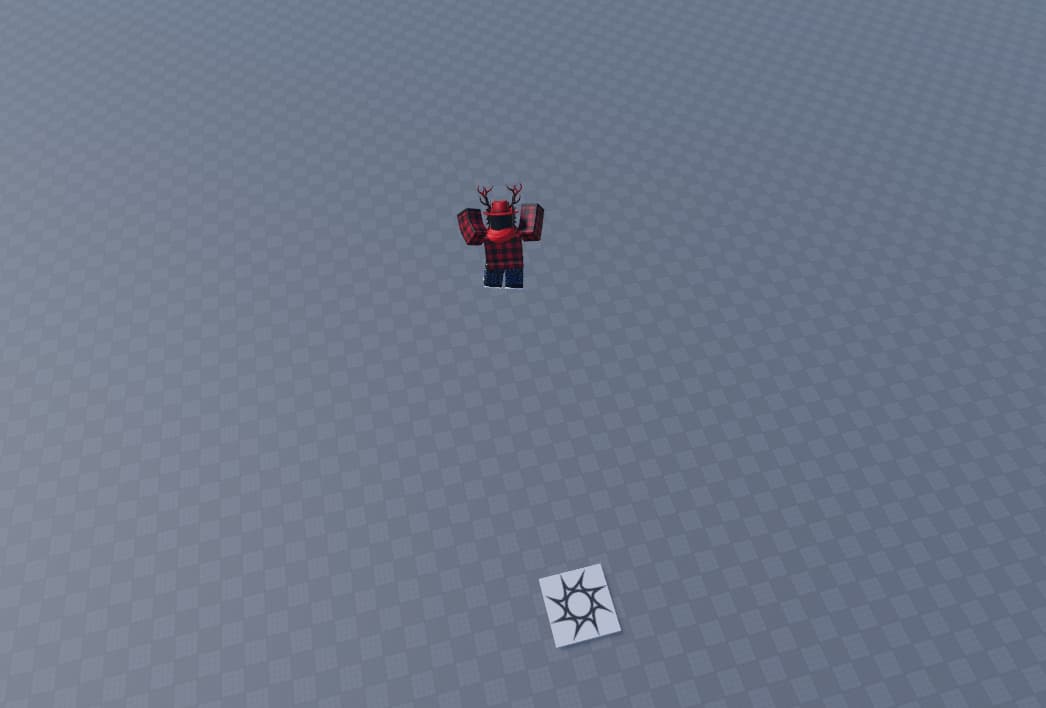
For ApplyImpulse to work you might have to play around with the network ownership.
applyimpulse is supposed to be applied by the client to itself and the hitbox detection for the part should also be on the client, so you dont have to do any network ownership or interaction with the server at all
I handle my part interactions with the server.
for obbies really should be on the client because theres no delay on the client, and obbies need precise movement
and offloading calculations to the client whenever possible is good practice
exploiters could just deny velocity or fly around, so it doesnt make sense to handle on the server
The server does not have much delay, and there are many measures to prevent exploiters
make this a localscript, u can use collectionservice tags to make it work on multiple parts if u want to
if u really wanna handle parts on the server like u said above u can use a remoteevent for Humanoid:ChangeState
local players = game:GetService("Players")

local player = players.LocalPlayer

local part = -- reference part here

while task.wait() do
	local partsInPart = workspace:GetPartsInPart(part)

	for _, limb in pairs(partsInPart) do
		local character = limb:FindFirstAncestorOfClass("Model")

		if character == player.Character then
			character.Humanoid:ChangeState(Enum.HumanoidStateType.Jumping)
		end
	end
end
result:
no i mean there is no point of putting it on the server because you cant stop exploiters from denying velocity anyways
so if you put it on the client you can get no delay and better server performance
and if you put it on the server there is no advantage
2 Likes
This topic was automatically closed 14 days after the last reply. New replies are no longer allowed.