Hello everyone!
I’ve been trying to make a ball move in a quarter of a circle based on the Player’s mouse movement
And i couldn’t really get anything to work, here’s what i mean:
(Forgive my trash drawing XD)

In the drawing there is 3 main elements, the hitbox which is where the mouse can hover over and hold LMB to then drag the black ball (2nd element) towards the green ball (3rd element)
What i don’t want is just for a normal drag to happen and the ball move to the Player’s mouse position exactly. I want the ball to move towards the green ball inside this little brown hitbox.
The Mouse would act as a alpha value for lerping depending on how close it is to the green ball.
I have already tried this but it doesn’t work since vector2s don’t really work properly with magnitude or i may have used them wrong, heres some of the code i tried:
(sry for the variable names, i was trying to craft a quick prototype)
local a = UDim2.new(0.364, 0, 0.394, 0);
local b = UDim2.new(0.507, 0, 0.661, 0);
local gui = game.Players.LocalPlayer.PlayerGui:WaitForChild("BUDDIZER_GUI")
local us = game:GetService("UserInputService")
local LISTEN = false
local s = nil
local g = game:GetService("GuiService")

gui.Start_Ball.Position = a
gui.End_Ball.Position = b
s = (Vector2.new(gui.Start_Ball.AbsolutePosition.X, 0) - Vector2.new(gui.End_Ball.AbsolutePosition.X, 0)).Magnitude
gui.Enabled = true
gui.Start_Ball.Visible = true
gui.End_Ball.Visible = true

gui.Start_Ball.ImageButton.InputBegan:Connect(function(Input)
	if Input.UserInputType ~= Enum.UserInputType.MouseButton1 and Input.UserInputType ~= Enum.UserInputType.Touch and Input.KeyCode ~= Enum.KeyCode.ButtonA then return end;

	LISTEN = true

	while LISTEN do
		local q = (Vector2.new((us:GetMouseLocation() - g:GetGuiInset()).X, 0) - Vector2.new(gui.End_Ball.AbsolutePosition.X, 0)).Magnitude
		local r = q / s
		print(s, q, r)
		gui.Start_Ball.Position = a:Lerp(b, r)

		task.wait()
	end
end)

gui.Start_Ball.ImageButton.InputEnded:Connect(function(Input)
	if Input.UserInputType ~= Enum.UserInputType.MouseButton1 and Input.UserInputType ~= Enum.UserInputType.Touch and Input.KeyCode ~= Enum.KeyCode.ButtonA then return end;
	LISTEN =false

end)
This doesn’t work because the magnitude is only checking for the end ball (green) and not accounting for the start ball (black) but if i account for both it wouldn’t really work, and since the magnitude is checking the distance between the end ball the start often goes behind the end ball.
When it should instead be following the mouse kind of.
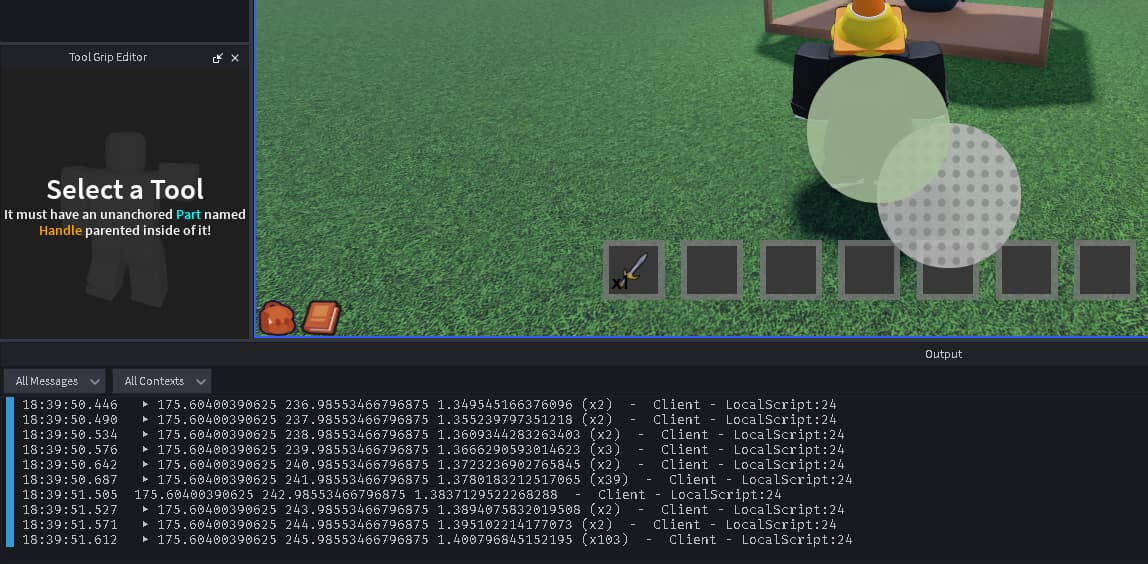
(first number is the starting distance between both balls, second is the current distance between the mouse and the end ball, and the last is the alpha)
I don’t know what to do, maybe there is something obvious i’m missing but yeah, thanks for reading and hopefully someone can help!