I am making a Minimap using an image I already have from my game, and I want it to show the exact position of the player in relation to the world. I have tried several ways, but it’s not working.
Now the imageLabel is ending up outside the frame.
Before:

After:
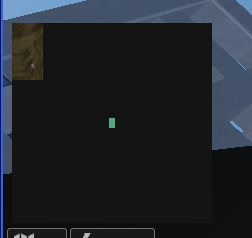
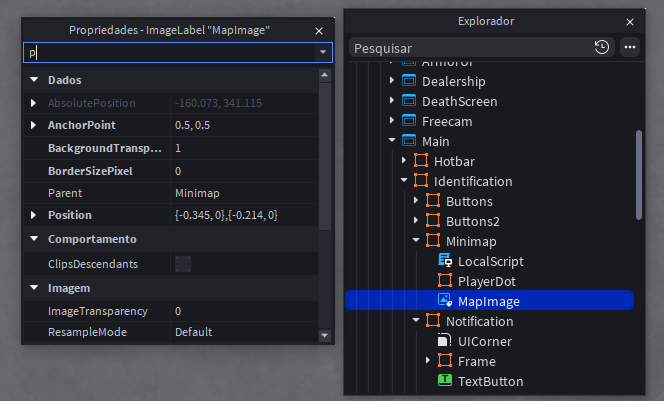
Code:
local player = game.Players.LocalPlayer
local character = player.Character or player.CharacterAdded:Wait()
local root = character:WaitForChild("HumanoidRootPart")

local minimap = script.Parent
local mapImage = minimap:WaitForChild("MapImage")
local playerDot = minimap:WaitForChild("PlayerDot")

-- LIMITES REAIS DO MAPA
local MAP_MIN = Vector2.new(-17085.516, -11718.192)
local MAP_MAX = Vector2.new(13314.112, 18681.436)
local MAP_SIZE = MAP_MAX - MAP_MIN

local ZOOM = 1.6

mapImage.AnchorPoint = Vector2.new(0.5, 0.5)
mapImage.Position = UDim2.fromScale(0.5, 0.5)

game:GetService("RunService").RenderStepped:Connect(function()
	local pos = root.Position

	-- Eixo X correto
	local nx = (pos.X - MAP_MIN.X) / MAP_SIZE.X

	-- Eixo Z invertido (correção)
	local ny = 1 - ((pos.Z - MAP_MIN.Y) / MAP_SIZE.Y)

	mapImage.Position = UDim2.fromScale(
		0.5 - nx * ZOOM,
		0.5 - ny * ZOOM
	)
end)