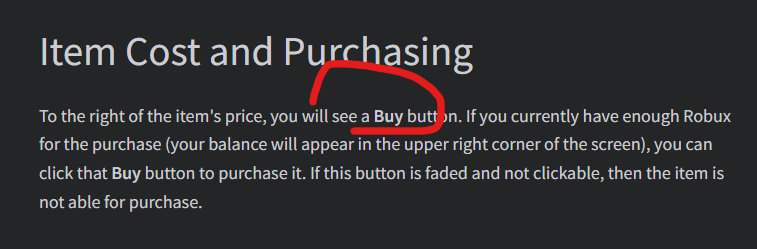
The Roblox help article The Item Details Page and Purchasing Items contains a minor inaccuracy under the Item Cost and Purchasing section.
The article states: “To the right of the item’s price, you will see a green Buy button.” – this is no longer accurate. The Buy button is now blue, not green. 

This discrepancy may confuse users trying to navigate the interface. 

What needs to be fixed
Update the article to reflect the current interface:
- Change “green Buy button” to blue Buy button.


Additionally, the screenshot in the documentation should be updated as well, since the Buy button is now blue but still appears green 


Page URL: https://en.help.roblox.com/hc/en-us/articles/206142306-The-Item-Details-Page-and-Purchasing-Items

 marking this reply as the solution