Hello, so recently when I was working on a game, I had to make a system where a player can drive a car, and put stuff onto the back of it (goods), which means the goods have to travel along with the car, what I did was set the network ownership of the car to the player (same as the car), and that worked, but only in studio. For some reason, in game it only works for the driver, the driver only sees the goods in the car, for other players the goods are lagging behind/teleporting.
I tried setting the network ownership to the server, and it just made the same thing happen for the driver too.
If anyone knows the reason/solution, please let me know
you can try to weld the goods to the car using a WeldConstraint, those usually dont lag at all
it probably worked in studio because it simulates 0 ping, you can press alt + s to access the studio settings, go to Network and you can change ping to a value like 0.1
The thing is the goods have to be moving around in the car, because your objective is to deliver them without them falling, and if they are welded they cant fall out
And I also tried setting my ping in studio to what you said, and it still works normally and correctly in studio
i hope you mean “set the network ownership of the goods to the player”
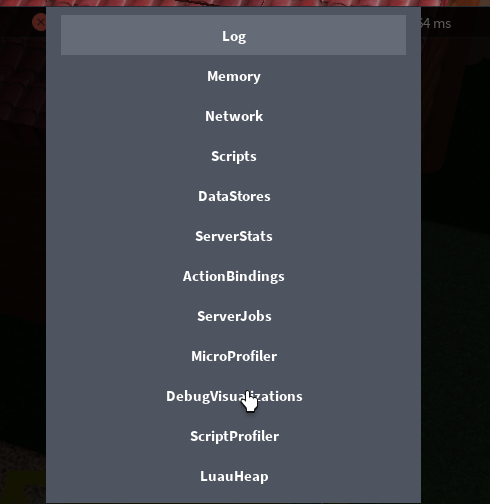
i suggest looking at the network owners in roblox player and studio. in roblox player, you can turn on visualizations as so:
Yes, I was setting the network owner of the goods to the player, not other way around, but what will the visualization help with? i’m sure the network owner is set correctly, but for some reason doesn’t work.
I tried the visualization, heres the studio preview:
And the in game:
As you can see, the driver has the box correctly assigned, but the other player doesnt
Edit: in a team test in studio, the owner is also wrong, but for some reason the lag isnt existent:
the lagging behind is purely visual and only for observers looking at the driver, the driver sees no lag?
Yes, the driver sees the goods fine