Today I noticed that my game which contains many of the same door model I made (It contains only parts and a mesh, no code nor any scripts influencing it) had several clones that appeared nearly 1000 studs away from the 0,0,0 vector 3 coords of the workspace. This “clone” model seemed to contain all of the parts in their respective positions, along with the mesh however appearing very distorted.
I restarted studio and the issue persisted, I also checked for this issue on roblox player, using a much older version of the game (both use the same door model with a packagelink) and the issue was still there, despite never seeing the issue before that until today.
I then pasted these door models into a fresh new instance baseplate. The same bugged door clones appeared.
This is entirely a clientside issue, there are no signs of the bugged clone model appearing on serverside.
I had a friend check to see if this issue appears on their device as well (I use a 9070XT windows 11 Pc, they used a samsung tablet) and they saw the exact same issue.
In the new instance, I was able to test that deleting the original models also deleted the cloned models. However they had to be out of rendering distance to take effect.
I am completely unable to select these cloned bugged models in the studio explorer, even if the original models arent loaded, it seems to be entirely impossible to interact with these bugged cloned models.
I deleted the package link in all models, removing their ability to sync updates. This appeared to completely erase any signs of the bug occuring. However an hour later when playing my game on roblox, the models had the same bugged clones in the same positions as last time.
https://create.roblox.com/store/asset/116163052750616/A-Lot-of-doors
Here is the model, I do not know what specific conditions create this, but this model just appears to have bugged clones that appear far away. Possibly requires more than 1 of the same model to be in an instance. I used exactly 106 doors. This asset contains all the doors in their original positions. For precise conditions, Group the folder into a model and set the assets position to: Position: 764.699, 57.4, -374.001 , Rotation: 90, -90, 0
^^ The doors that have been uploaded as an asset in their original positions

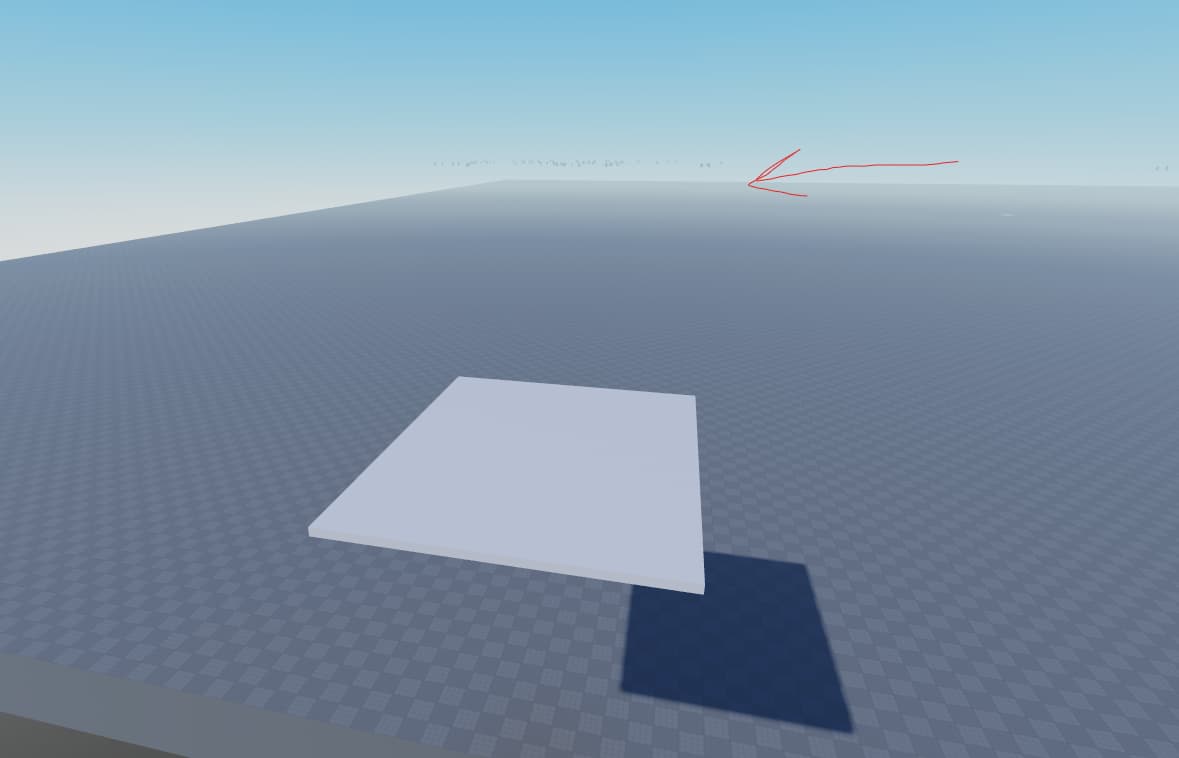
^^ The doors that appear to be bugged and are clientside only, disappears when deleting all the original doors.
^^ Starting where the bugged doors are, I delete the original instances. Travel to where those instances were, proving they’ve been deleted. Then going back to the bugged doors which are gone as well now. Showing that they are clearly connected
^^ Interacting with the bugged models, appears in clientside only, cant be selected nor touched, does not cast shadow. Original model can be collided with, selected and casts shadow.
Using the model provided ^^
Expected behavior
The model should just simply appear as normal, not having a strange cloned bugged version of itself off in the distance that cant be deleted or interacted with and only appears on the clientside.