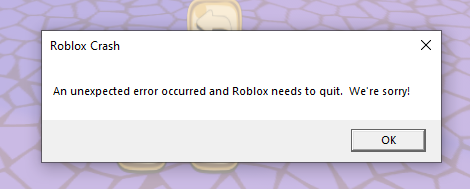
I’ve been having this frustrating issue with Roblox Studio that has prevented me from working on my game on my PC. Whenever I try to open a specific place, I get greeted with an “Unexpected error”. I’m able to open other places with no issue, it’s just this one in specific. I’ve tried reverting to the previous place versions which didn’t fix it. I clean uninstalled and reinstalled the studio, it didn’t fix it. I disabled all plugins before opening the place, still didn’t fix it. I’ve tried basically everything ( beside factory reseting my pc ) and reagrdless I just can’t seem to get this place to open.
I can open the place fine from my macbook however not my PC. I sent myself a copy of the place from my macbook to my PC and opened it, it opened fine. When I published as over-writing the place version to the copy, studio would yet again crash when it opened the overwritten place version.
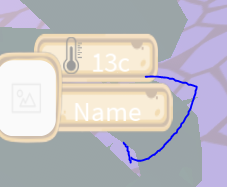
Unsure if this is relevant but texts which are meant to be in the “Luckiest Guy” font are in different fonts when opening the place.
I would post this to Bug Reports - Studio Bugs but whenever I try I’m shown “You are not permitted to view the requested resource.”