Why is the UI ImageLabel is not coming above the ImageButton?

So the problem I am facing is that the Feedback (ImageLabel) is coming above the ImageButton, but the rest of the two are not coming above, despite all the settings being the same.
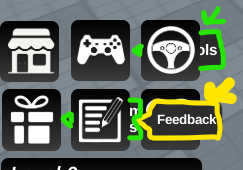
Settings for Green color one (ImageLabel):
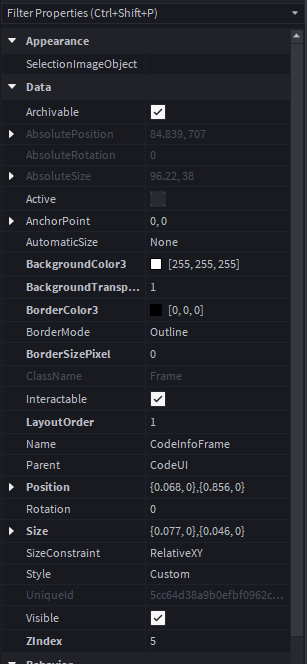
Settings for the Yellow color one (ImageLabel):

Settings for the Green color one (ScreenGui):
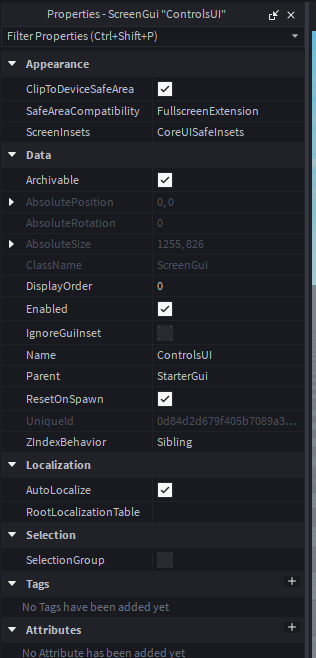
Settings for the Yellow color one (ScreenGui):
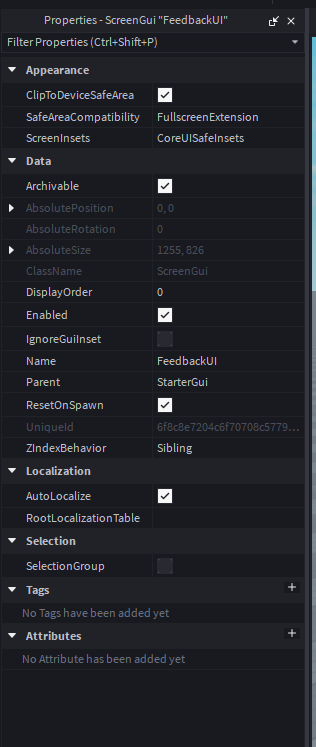
And the second problem which I am facing is the ImageButtons are popping above the Frame but other buttons not and all settings for all the buttons are the same.

Settings for the ImageButtons:


Settings for the Frame and the ScreenGui:
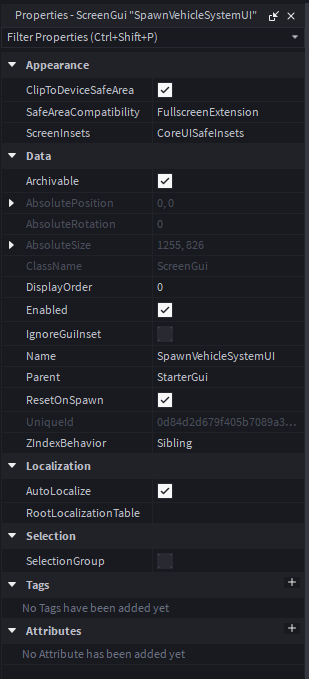

Please tell me where I am going🙏

if your elements are in separate ScreenGuis then you need to set the ScreenGui DisplayOrder.
showing the hierarchy would’ve helped

I tired that but it’s not working.

You either keep things on one ScreenGui and operate things’ ZIndex
or use two ScreenGuis with different DisplayOrder: one for “front” items, another one for “back” items.

Ah i wanted to avoid that there are few things which r connected to the UI frame, if i do that i gotta script things again :broken_heart:

There’s a ZIndexBehavior.
Looks like Global is what you need.

I have somewhat fixed it, idk how but ya