Comment Scripter
I’d like to introduce my new plugin, Comment Scripter, to all programmers out there! Comment Scripter is designed to simplify the process of loading and saving lines of code in Roblox Studio and save you time.
To use Comment Scripter, simply add comments to your script starting with --//load, --//save, or --//delete, followed by the name of your script file surrounded by arrows and an exclamation mark. For example:
--//save <MyScript> !
print('Hello, world'!)
--//save END !
After you have typed out both exclamation marks, your script will be saved to a local file named “MyScript”. Later on, you can load the script again by typing --//load <MyScript> ! into a new script.
Comment Scripter helps make scripting faster. You can easily save, load, and delete scripts with just a few keywords. If a file doesn’t exist, Comment Scripter will throw a warning in the output and prevent any errors from occurring.
To start using Comment Scripter, you can install the plugin by clicking the link at the top of this topic and create a new script. Then, use the commands mentioned above to manage your scripts.
Here are a few examples of the commands said above:
--//save <test> !

--//load <test> !

--//delete <test> !!

--list !
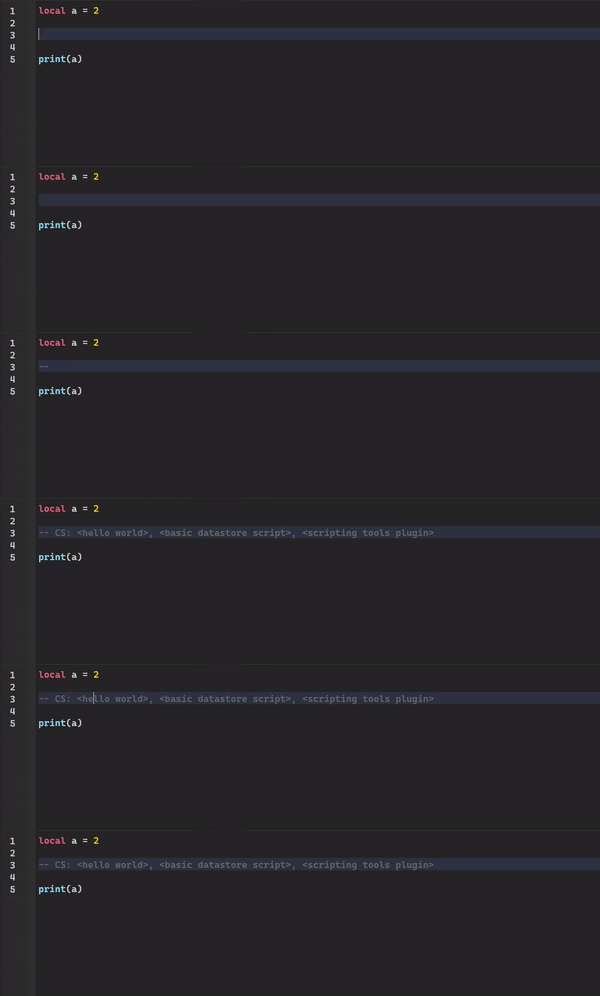
If you have any questions or feedback, feel free to reply to this topic. I’m looking forward to hearing any feedback you may have!
PS: I just updated the plugin with a new command, so if you already had the plugin before I updated it and you want to use the --//list ! command, then you will have to do what I have said here.