The Super Optimized Serialization Data Format (SOSDF) V1 is a data format that saves Instances (such as parts) in a super compact way, it’s not designed to save a small amount of Instances (<100) efficiently, but it shows it’s strength when serializing thousands of Instances. I’ve made multiple serialization formats in the past just to try and improve them, and this is my best one so far, all the Instances are saved in a buffer (binary) that you can save to datastore!
“1-3+ bytes” will be equal to the bytesize
of that specific ID set in JSON settings,
for example if there’s less than 255 instances,
then the instance ID bytesize will be 1.
Null bytes use the same bytesize as the ID
corresponding to the section it ends, so null
bytes at the end of Enum IDs use same bytesize as
Enum IDs
“1 or 4 bytes” will change depending on
string length, string with <255 chars will
use 1 byte for stringlen, if the stringlen
is >254 then first byte of the stringlen
will be 255 and the next 3 will be the string
length as uint24
Benchmarks (on my crappy unoptimized serializer/deserializer version of this data format):
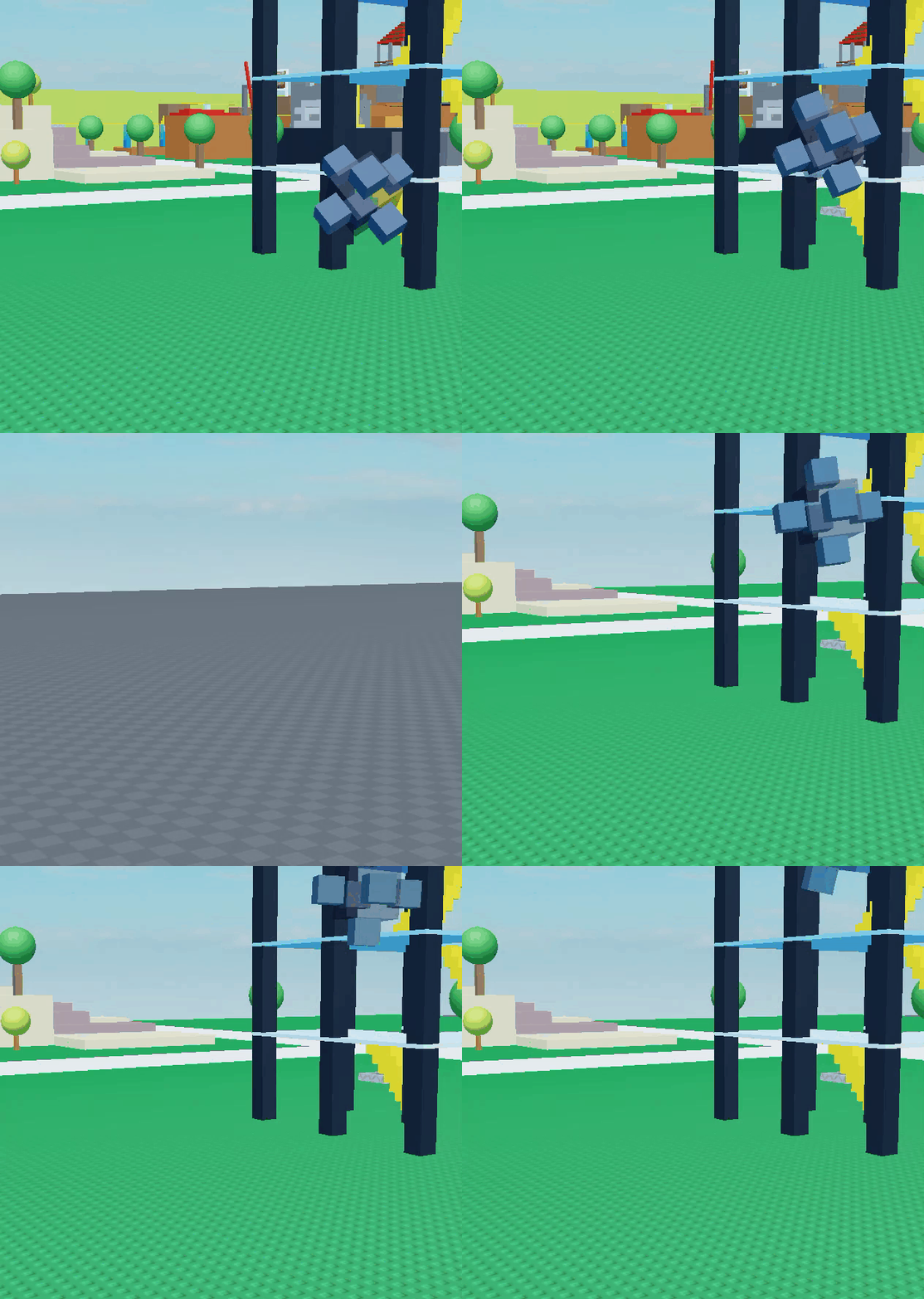
Crossroads map (4354 Instances):
Size: 60.1KB
Serialization Time: 0.05312660000345204 (53ms)
Deserialization TIme: 0.08800190000329167 (88ms) (Crossroads getting serialized, deleted then deserialized, no detail lost)
studio’s render distance is buggy
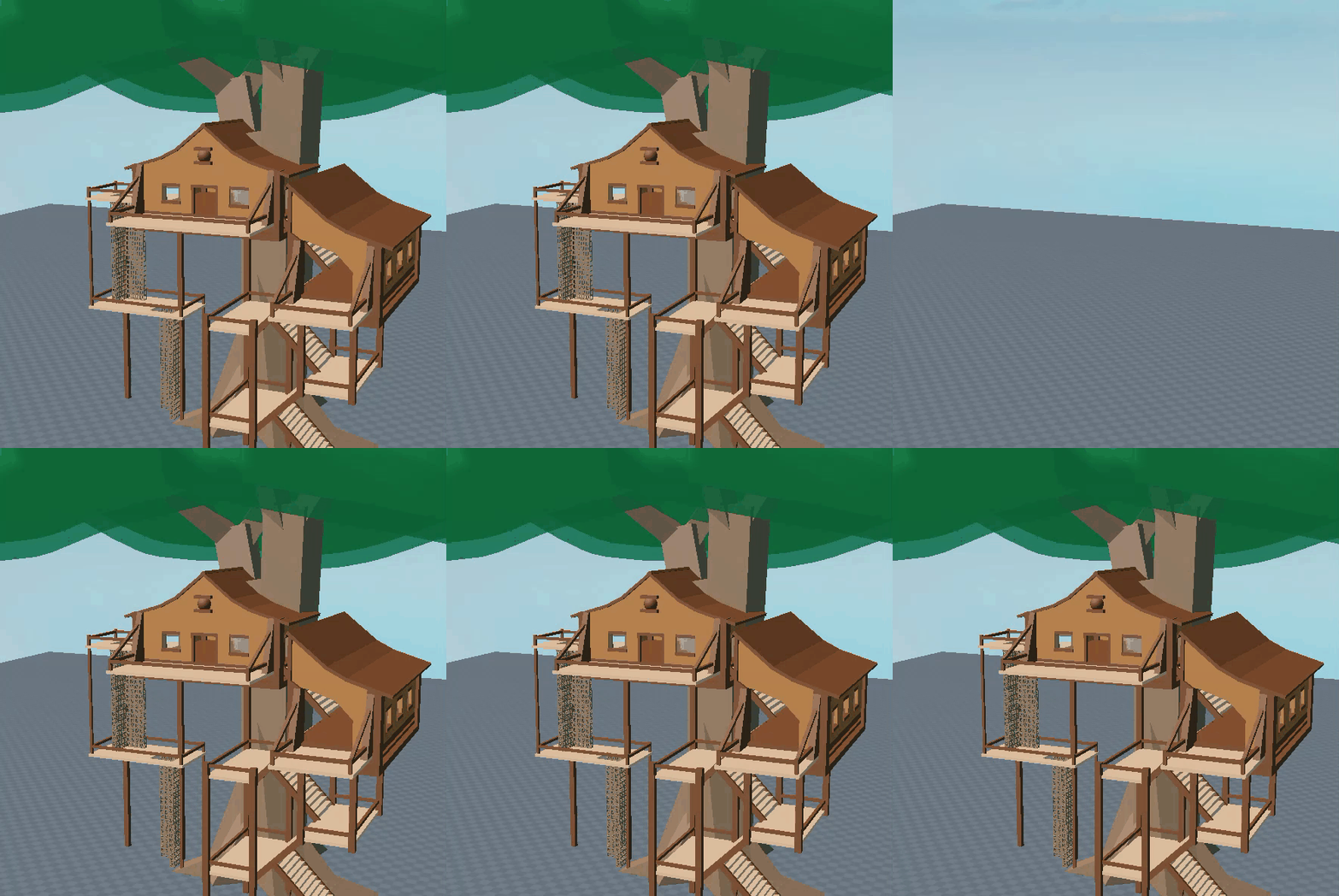
Treehouse (323 Instances):
Size: 5.6KB
Serialization Time: 0.007315299997571856 (7ms)
Deserialization TIme: 0.011207600007764995 (11ms) (Treehouse getting serialized, deleted, then deserialized, no detail lost)
Comparison against the second best serializer: Minstance
My results were tested in a roblox server, minstance’s results are taken from this post
This benchmark is based on a dumbed down version of the Crossroads Classic Map:
I know not all datatypes are included here, but they will be included in future versions, if you want to, suggest a format for a datatype!
I hope developers make great use of this and build the best instance serializer/deserializer
Any suggestions on improvements for this data format are accepted
Hey there
if you’re not providing the one you’ve made i suggest you change the post category to community tutorials instead of resources
nevertheless, this is pretty impressive
I’m not sure how much space this would save, but would it help to have a seperate small buffer for booleans so you can utilise 1 bit per boolean? Then that can be put at some place within the serialized file.
To deserialize, you would need another “boolean” cursor to move forward to read the boolean. If you have lots of boolean properties, it could save some bytes
Rbxms are XML based so they have a bunch of a junk that isn’t necessary, my format gets rid of any junk and also uses references for repeated names, enums, etc instead of repeating them over and over again (which would waste a lot of space, and rbxms do this). And as far as I know Roblox doesn’t offer an easy to use method that converts any instance to rbxm. So you would have to write a system for serializing rbxms from scratch, but then why write a system for rbxms (which can get complicated and waste lots of space) when you can make one that serializes/deserializes using my data format, which would take the same amount of effort or less
Deserialization time: (mine) 0.027s (minstance) unkown (i couldn’t find that data)
so yeah surprisingly my crappy instance serializer is better than minstance lol, if someone with some actual optimization skills wrote a serializer/deserializer for this the benchmarks would be insane. You can test this for yourself here