Currently, it seems as if you cannot enable your camera through Roblox’s built-in “Self View” UI without first enabling voice chat.
This seems to always happen whenever I try to enable my camera in an experience that supports both camera and voice. In experiences that only support camera (not voice), this does not happen.
This happens on both desktop and mobile.
Microphone and camera inputs have always been two separate toggles in your privacy settings, so this should not be happening. You should be free to enable the camera without requiring voice chat to also be enabled.
Repro
-
Have camera input enabled in your privacy settings, but not voice chat.
-
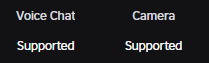
Join any experience that supports both voice and camera communication. You can check this on the experience details page.
-
Open the hamburger menu in the experience controls and select “Self View”.
-
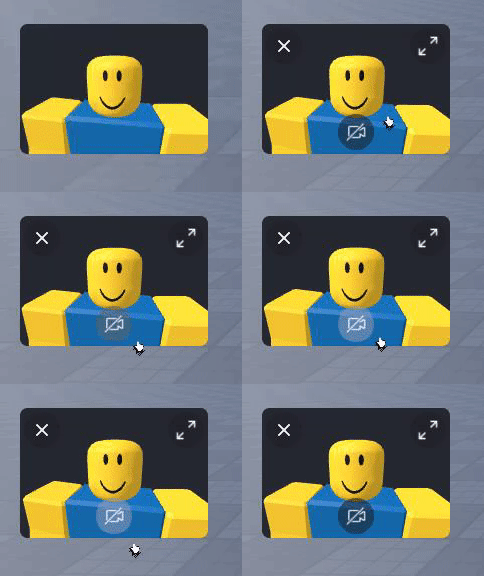
Click on the camera button in the Self View UI. It won’t do anything.
-
Click on the “Get Voice Chat” button in the experience controls and enable voice chat.
-
Click on the camera button in the Self View UI. It should work now.


System information
OS: Windows 10
CPU: Intel(R) Core™ i7-6700 CPU @ 3.40GHz
Memory: 16 GB
GPU: NVIDIA GeForce GTX 1660 Ti
Expected behavior
You should be able to use your camera without requiring voice chat to be enabled.