In this multiplayer RPG, each enemy is handled entirely on the server from its movement to its attack hitboxes. If there are 16 players on the server, and each player is in a battle with 3 enemies each, that would equal 48 enemies that the server needs to handle. Would it be less intensive to create each enemy on the client and then simply update the server with its status occasionally? Players will be fighting their own battles, so server-side enemies aren’t necessary.
1 Like
Put the enemies on the client. On the server just have a part (or a table) which represents the npc. That will store data such as NPC Health, position, walkspeed ect.
If you put the enemies fully on client the exploiters would just be able to kill them instantly
That’s why I’d be sending info occasionally to the server to check
you could make the system that the person above me suggested and have a part represent the enemy on server (that is then deleted on client)
and have fake rigs on client that are basically relying on the information the server is sending to the client
This is exactly what you want.
If you’re using Roblox’s built-in humanoids, stick to an npc model that only consists of minimum objects: The root as well as extra collision (e.g. hitboxes).
Identify the npc variants using tags or attributes, read those on the client, and build their visual model on top of the base humanoid that’s already replicated on the client.
Going with an approach where you track positions and other data solely through tables requires a fully custom replication system which is unnecessary.
If you want to lessen the load of the primary thread on the server, use actors.
One actor would be in charge of processing one npc’s logic.
You could go even further and create an “actor pool” module that automatically assigns npc processors to an actor or creates a new one based on a pre-defined quota, but it’s not required for small games.
I would link you to a video that clearly showcases the massive performance gains when utilizing actors for npcs, but I can’t find it.
If you really don’t want to handle them on the server, I’d weigh it against how cheaters would stand to profit from local processing instead.
In my opinion, if it were simply for something like a training area before fighting alongside players, I’d make a hybrid model that could both be processed on the client or server.
1 Like
How do you suggest doing this? Should I simply update the model’s position each frame to match the server enemy’s?
No, you can just use constraints.
If you want to attach your visual model (e.g. the R6 character) to the existing server model while on the client, you could opt for a simple Weld, or if you want to do transformations on its orientation/position, use a Motor6D between the root part of your visual model and server model.
Any other physics-related constraint are possible too, but that’s up to your use cases.
On the client, you should just treat the server npc model as a physics object you can dress up and attach to.
1 Like
Thanks, I’ll try using this approach.
1 Like
Hey! I tried welding the visual model to the actual model on the client, and encountered this strange bug.
I noticed the enemies were moving incorrectly. I found the problem: the weld is somehow causing a discrepancy between the enemy’s position on the client and on the server. Attached are two images showing the difference between client and server (Note the disembodied faces on the right of the second image, showing the enemies’ true positions).

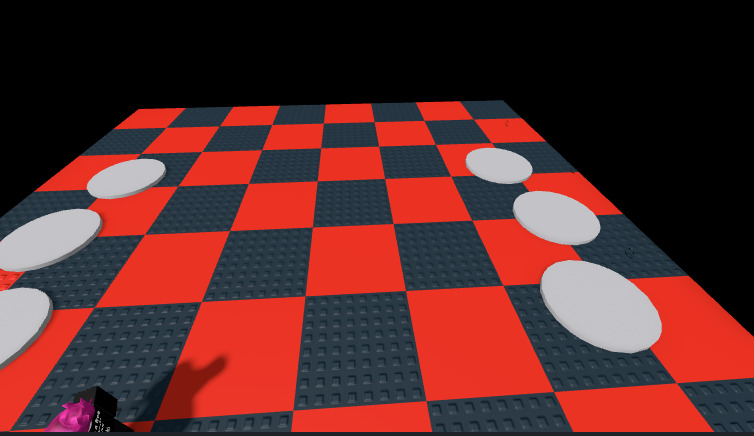
I am confused because, as I stated before, the code that moves the enemies is on the server. I don’t know why the weld causes the enemies on the server to not move, or why they ARE being shown moving on the client but aren’t actually moving on the server. Additionally, I tried using WeldConstraints and Motor6Ds and achieved the same result.
Do you have any idea how to fix this?