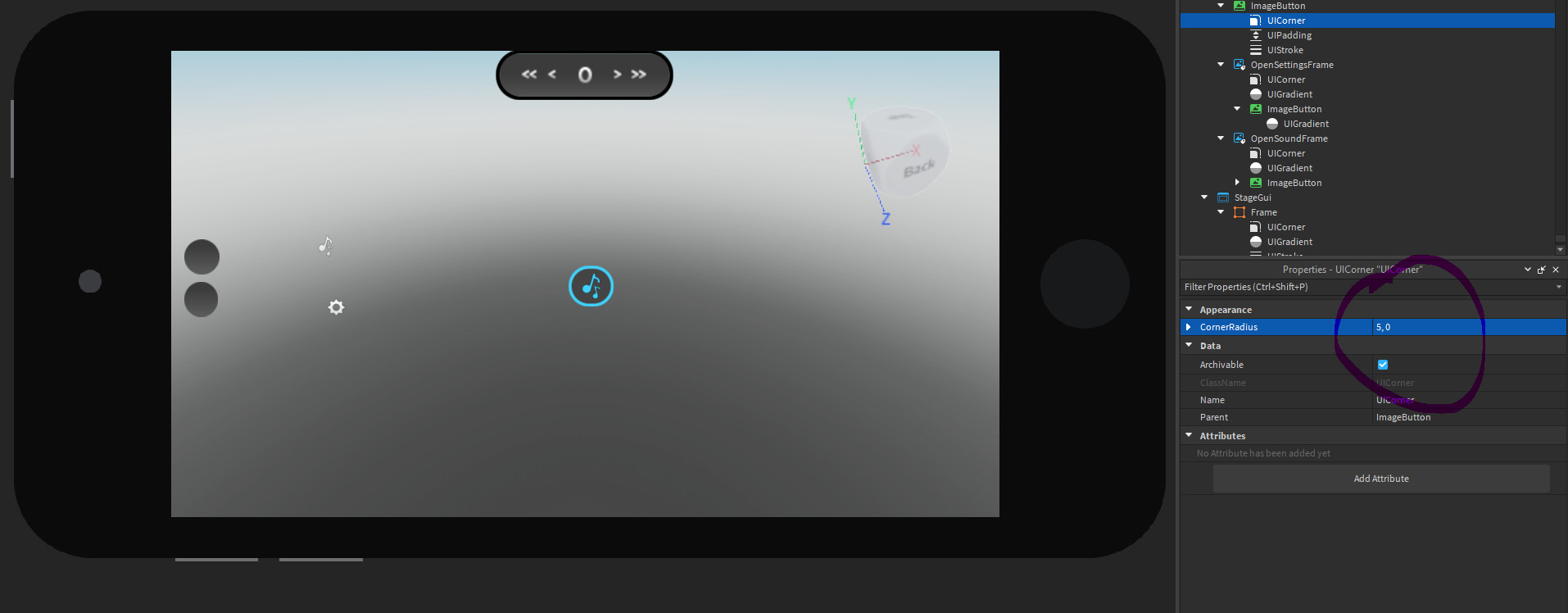
Hello designers, I am trying to make a circular and responsive UI element however when I test the element in an other device it turns into a rectangle. How can I make it so it stays as a circle all the time?
Here are the images of the elements:
Thanks.
5 Likes
You can try to use Scale instead of Offset in the UICorner.
1 Like
You could use ImagesButtons or try to set the UICorner to a number greater than one: (5,0)
1 Like
Oh, it’s an ImageButton, so why not round the image instead of using UICorner?
1 Like
Before that I tried using a circular image, however I can’t use UIStroke with a rounded image since it doens’t work properly.
2 Likes
You should use UIAspectRatioConstraint it works 100%
Image outliner plugin: Image Outliner - Roblox
3 Likes
It works, thanks for the reply!
2 Likes
system
August 22, 2023, 8:23pm
#10
This topic was automatically closed 14 days after the last reply. New replies are no longer allowed.