So, I’ve got a standard part on a baseplate:
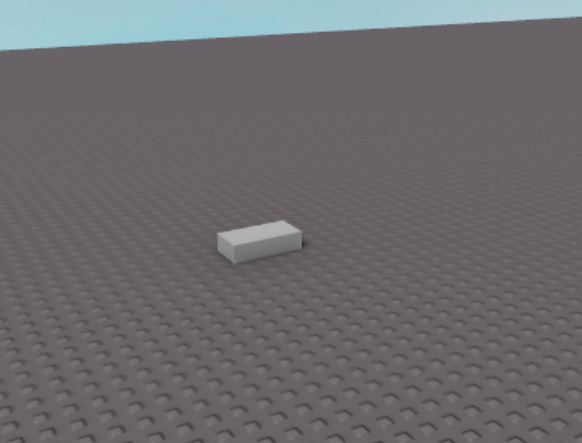
I want to move it up 10 studs using CFrames, so I did this:
script.Parent.CFrame = CFrame.new(script.Parent.Position) + Vector3.new(0, 10, 0)
… and this resulted in this:
however, if the part is rotated at a 45 degree angle:
this happens:
Any help would be appreciated I couldn’t find any other posts explaining this
1 Like
Another developer messaged me:
… it worked
solved ig

1 Like
The reasoning behind it if you’re curious, is that CFrames store both orientation and position. You create a new CFrame object, with only a given position, leaving its rotational components as empty. (it doesn’t take into account the part’s current rotation)
So therefor, a translation of 10 studs on the Y axis is applied relative to the part’s current position, but its orientation is negated.
To apply a translation or rotation relative to both, you can grab the part’s current CFrame and use that.
--//Apply translation, then a rotation, all relative to the part's original CFrame
brick.CFrame *= CFrame.new(0, 10, 0) * CFrame.Angles(0, math.rad(45), 0)
2 Likes


