Sound Visualizer – 3D Sound RollOff Distance Tool
Easily visualize and edit 3D Sound RollOff distances directly in Roblox Studio.
Sound Visualizer displays clear, color-coded distance spheres in the viewport and lets you fine-tune values live—no guessing required.
 Features
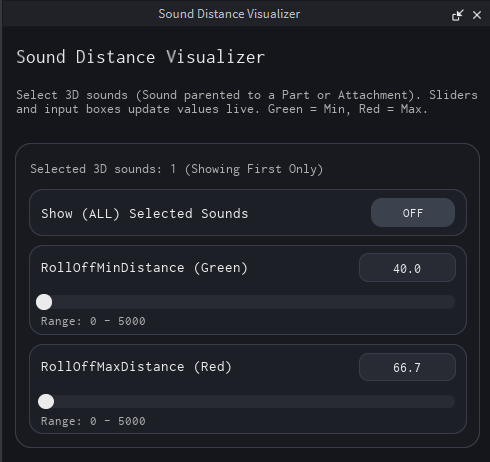
 Green sphere = RollOffMinDistance
 Red sphere = RollOffMaxDistance
 Live sliders with exact numeric input
 Supports multiple selected sounds
 Toggle to show all selected sounds or first only
 Undo-safe editing (changes grouped into a single undo step)
 Automatically cleans up visual guides when closed
 Usage
Usage
- Select one or more 3D Sounds (parented to a Part or Attachment)
- Open the plugin
- Adjust Min/Max distances visually or by typing exact values
 Plugin Link
Get it here!
Preview

Perfect for developers who want faster, more accurate spatial audio tuning.