Rokquo
(Rokquo)
1
Hey, I’m trying to get the values of point1 and point2 shown on the diagram below, although I’m not so good at math.
So far, I’ve tried this:
local char = player.Character
local startpos = char.HumanoidRootPart.CFrame * CFrame.new(0,0,-2)
local startpos2 = char.HumanoidRootPart.Position
local endpos = mouse.Hit.Position

local inbetweenpoints = endpos - startpos2
print(inbetweenpoints)

local curve1 = inbetweenpoints / 3
local curve2 = curve1 * 2
this gave me values which gave me points which are just at a random point in the map.
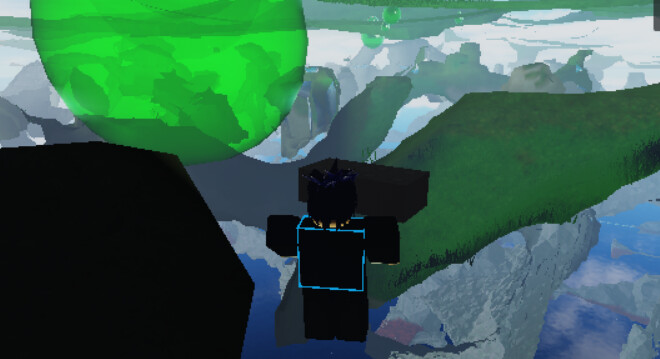
How should I go about doing this?
I believe you need to add startpos to curve1 in order to position the start of the vector at startpos.
Then the addition of the direction vector from startpos to endpos will move it 1/3 forward along the line from the mentioned diagram.
For curve 2 using this method you will need to add startpos and inbetweenpoints*2/3.
1 Like
Ailore
(Ailore)
3
Use Vector3:Lerp()
local startpos = Vector3.new(0, 0, 5)
local endpoint = Vector3.new(0, 0, 10)
local alpha = 0.5
local midpoint = startpos:Lerp(endpoint, alpha) --> Vector3 (0, 0, 7.5)
alternatively you can do
local alpha = 0.5
local midpoint = startpos+(endpos-startpos)/alpha
1 Like
Rokquo
(Rokquo)
4
Ah, yes this has given me the effect I needed. Thank you!
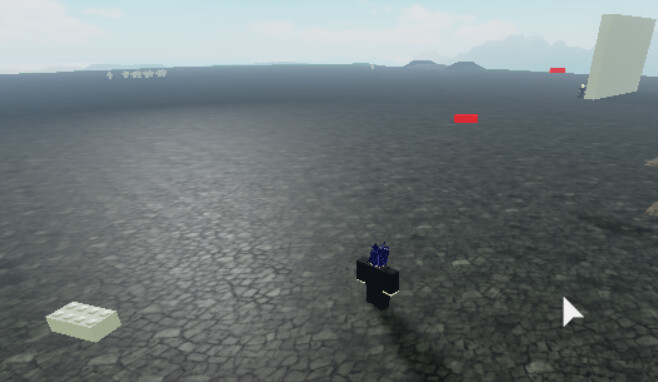
For anyone wondering, the red parts are at the positions created here:
1 Like

