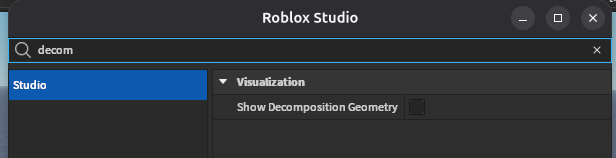
I know this is kinda old, but I do want to inform everyone that a plugin is not necessary. This setting exists in Studio Settings:
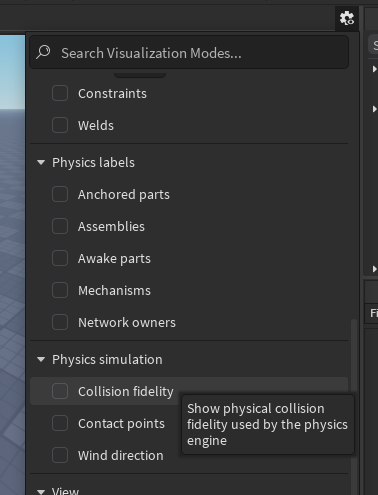
The (relatively new) Visualization Modes panel:
And as a keyboard action which is not bound by default:

I’m actually not sure if this plugin was ever necessary or if this option is simply almost impossible to find because the search query you’d intuit to bring it up does not actually find it. You have to search “collision” or “physics” or some other word in the shortcut name, not “decomposition” or “geometry” (also, the menu is contextual. You need to have a Place open for it to show this set of actions).