Vertex coloring is a feature which lets you tint the color of a mesh based on the vertex colors of that mesh. This can be used to blend color variations throughout your mesh.
But unfortunately this feature currently only works on Roblox “materials” and has no effect on surface appearance rendering. What this means for us is that we cannot use a UV mapped mesh and vertex coloring at the same time. And even if we could UV map materials, I do not want to use MaterialVariants for every new and unique texture set, I want to use SurfaceAppearances.
If Roblox is able to address this issue, it would enable the creation of even higher quality 3d assets.
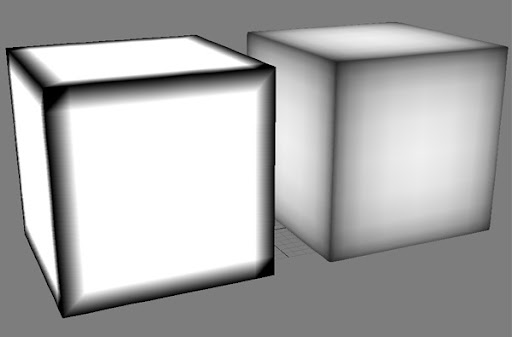
Examples of how vertex coloring is used to add detail to a mesh:
- “Shadows” baked into the mesh using vertex coloring.
- “Edge wear” type color variation.
- General color variation across a surface without the need for extra diffuse textures.

If this problem is fixed I also expect it to work with vertex alpha transparency without any weird tradeoffs.
Related: SurfaceAppearence ColorMap does not respect baked vertex colors